That freelance payment just hit your PayPal balance. Now you want to spend it at a gas station. The gap between digital money and physical spending feels unnecessarily wide.
A PayPal Mastercard closes that gap, but the application process has a few traps that nobody warns you about.
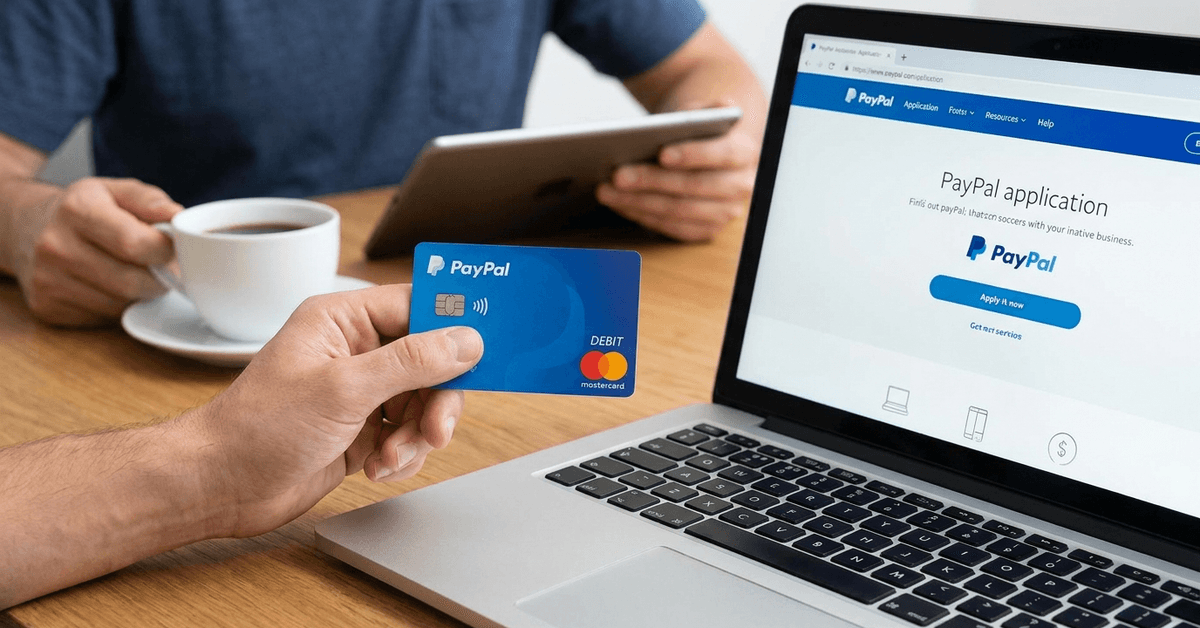
Applying for a PayPal Mastercard online takes about five minutes if your account is already verified. The card itself is a reloadable debit card, not a credit card.
But I think the bigger question gets skipped entirely: should you even tie your spending card to the same platform that holds your income? That tension deserves a closer look.
What a PayPal Mastercard Is And What It Isn’t
PayPal Mastercard as a Debit Card, Not Credit
This trips people up constantly. The PayPal Mastercard is a prepaid debit card linked directly to your PayPal balance. No credit line. No interest charges. No monthly billing cycle.
The card simply gives you physical access to money already sitting in your PayPal account.
That distinction matters because it means no credit check is involved. PayPal may review your account activity and verify your identity, but your FICO score stays untouched.
For anyone rebuilding credit or avoiding hard inquiries, that’s a meaningful difference compared to the PayPal Cashback Mastercard, which is a separate credit product entirely.
Who This Card Works For
The PayPal Mastercard fits a specific type of person.
Freelancers who receive client payments through PayPal, online sellers on eBay or similar marketplaces, and anyone who keeps a regular PayPal balance can benefit from spending directly without transferring to a bank first.
But if your PayPal balance stays near zero because you immediately withdraw to a checking account, this card adds very little to your routine.
It sits in your wallet doing nothing, which brings up an odd problem: PayPal cards can be deactivated for inactivity after extended periods. A card you don’t use may stop working when you finally need it.
PayPal Mastercard Application Process Step by Step
Checking Eligibility Before Applying
The application lives inside your existing PayPal account. Log in and look for the PayPal Debit Mastercard option under the “Products” or “Tools” menu. PayPal changes its interface regularly, so the exact location may shift.
A few things need to be true before the “Apply Now” button appears:
- Your PayPal account must be verified with a confirmed bank account or card on file
- The account holder must meet PayPal’s age and residency requirements (U.S. residents, 18 or older)
- Your account needs to be in good standing with no active disputes or limitations
If the button doesn’t show up, one of those conditions likely isn’t met. PayPal doesn’t always explain which one, so check your account status under Settings first.
Filling Out and Submitting the Application
Once eligible, the application itself is quick. Personal details like name and address will auto-fill from your PayPal profile. The system may ask you to confirm a shipping address or upload identity documents if your account wasn’t fully verified before.
I would pay close attention to the shipping address field specifically. PayPal sends the physical card to whatever address is on file at submission.
If you’ve moved recently and forgot to update your PayPal profile, your card ends up at your old address. A small oversight, but a surprisingly common one.
After reviewing the terms, hit submit. Approval decisions come fast for accounts with clean histories. Manual reviews happen occasionally, and PayPal sends email updates during that process.
Card Activation Once It Arrives
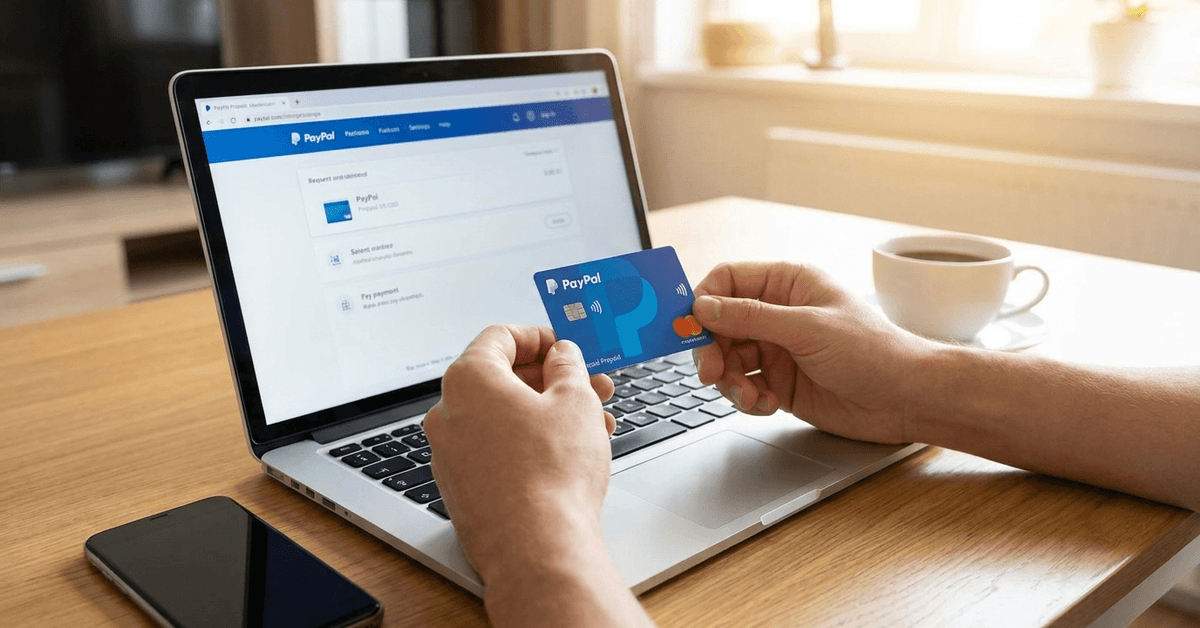
The card arrives by mail, usually within 7 to 10 business days. Activation happens through your PayPal account dashboard. Follow the prompts, set a secure PIN, and the card is ready to use anywhere Mastercard is accepted.
One thing people overlook: test the card with a small purchase right away. Confirming it works immediately saves headaches later, especially if there’s a shipping or activation glitch you’d rather catch now than at a register.
PayPal Mastercard Fees That Catch People Off Guard
Fee Breakdown vs. a Traditional Debit Card
The PayPal Mastercard has no monthly maintenance fee, which sounds great until you look at the other charges. The fee structure becomes relevant the moment you use an ATM or travel internationally.
| Fee Type | PayPal Mastercard | Typical Bank Debit Card |
|---|---|---|
| Monthly fee | $0 | $0 to $12 (varies by bank) |
| Out-of-network ATM withdrawal | $2.50 per transaction | $0 to $3 (varies) |
| Foreign transaction fee | Up to 2.5% | 0% to 3% (varies) |
| Card replacement | $5.00 | Often free |
The ATM fee stacks on top of whatever the ATM operator charges, so a single cash withdrawal can cost $5 or more. If you pull cash regularly, those fees add up fast over a year.
The Hidden Cost Nobody Calculates
Every PayPal Mastercard transaction also keeps your money inside PayPal’s ecosystem longer. Bank transfers take 1 to 3 business days.
The card eliminates that wait, sure. But it also means your funds never reach a bank account that earns interest, qualifies for overdraft protection, or builds a banking relationship.
I think the common advice that “the PayPal Mastercard is perfect for freelancers” ignores a serious risk.
PayPal account freezes happen without warning, and they affect everything connected to that account: your balance, your card, your pending payments.
Tying your spending card to the same platform that holds your income creates a single point of failure.
A traditional bank account with scheduled PayPal withdrawals gives you a buffer that the Mastercard eliminates. The convenience comes at the cost of financial resilience.
Tax Reporting and the PayPal Mastercard
IRS Thresholds for PayPal Transactions
The card itself doesn’t create tax obligations. But spending directly from a PayPal balance that contains freelance income can blur the line between business and personal transactions.
The IRS requires PayPal to issue a 1099-K form when an account crosses specific reporting thresholds for goods and services payments.
Mixing personal spending with business income on the same card makes categorizing expenses harder at tax time.
A freelancer buying groceries and paying for software subscriptions from the same PayPal balance creates a messy transaction history that a tax preparer will charge more to sort through.
Keeping Clean Records
The smarter approach: separate your PayPal spending categories before they become a problem.
Download monthly statements from PayPal and flag business transactions immediately. The IRS reporting requirements page covers the current thresholds and what triggers a form.
If freelance income is a regular part of your PayPal activity, talk to a tax professional about whether a dedicated business PayPal account makes more sense than running everything through one card.
Keeping Your PayPal Mastercard Secure
Practical Security Steps
The PayPal Mastercard carries the same fraud monitoring as any Mastercard product. Two-factor authentication protects your PayPal login, and transaction alerts can be turned on for every purchase. But security depends on habits as much as technology.
A few things worth doing immediately after activation:
- Turn on push notifications for every transaction, even small ones
- Set daily spending and withdrawal limits below the card’s maximum
- Review your PayPal activity at least once per week for charges you don’t recognize
- Never store your PIN in the same place as the physical card
What to Do If Something Goes Wrong
Unauthorized charges should be reported through PayPal’s Resolution Center within 60 days.
The sooner a dispute is filed, the faster PayPal can lock the card and investigate. Replacement cards cost $5 and arrive within the same 7 to 10 business day window as the original.
Questions People Ask About PayPal Mastercard Online
Q: Can I use a PayPal Mastercard internationally? The card works anywhere Mastercard is accepted worldwide. Keep in mind that foreign transaction fees of up to 2.5% apply per purchase, so larger international purchases get expensive quickly compared to cards with no foreign transaction fee.
Q: Does the PayPal Mastercard build credit? No. Because it’s a debit card tied to your PayPal balance, no activity gets reported to credit bureaus. If building credit history is a goal, the PayPal Cashback Mastercard (a separate credit product) would be the relevant option to research instead.
Q: What happens to my PayPal Mastercard if my account gets limited? A PayPal account limitation freezes your balance and disables the card simultaneously. Limitations can be triggered by unusual activity, disputes, or policy reviews. The card becomes unusable until the limitation is resolved, which can take days or weeks.
Q: Can I have more than one PayPal Mastercard? PayPal allows only one active Mastercard per account. If your card is lost or damaged, the replacement deactivates the old one. There’s no option to carry a backup.
Q: Is there a minimum balance needed to apply? PayPal doesn’t publish a specific minimum balance requirement for the debit Mastercard application. The account does need to be verified and in good standing, but a zero balance alone won’t disqualify an application.
Conclusion
The PayPal Mastercard fills a narrow but real gap for people who live inside PayPal’s ecosystem. Freelancers and online sellers get the fastest route from digital balance to physical spending power.
The fees and account-freeze risks deserve serious thought before applying, though. Weigh the convenience against keeping all your money on one platform.